 Grok Bots Market
Grok Bot for X
Grok Bots that read or post on X.

Follow Finder
Finds underrated creators to follow, one daily card pack at a time
Reply Guy Filter
Flags spam and fake support accounts in your X replies
Foreman
Sets up a whole crew of X bots in Grok Bot with one install
What is a Grok Bot for X?
These bots read posts, track accounts or draft posts on X.
Examples
How to add one
- 1Open a bot page below, check its runs, then click Add to Grok Bot.

- 2The bot's share page on x.ai opens the Grok Bot desktop app. No app yet? Download it for macOS or Windows from that page, then click open the app.
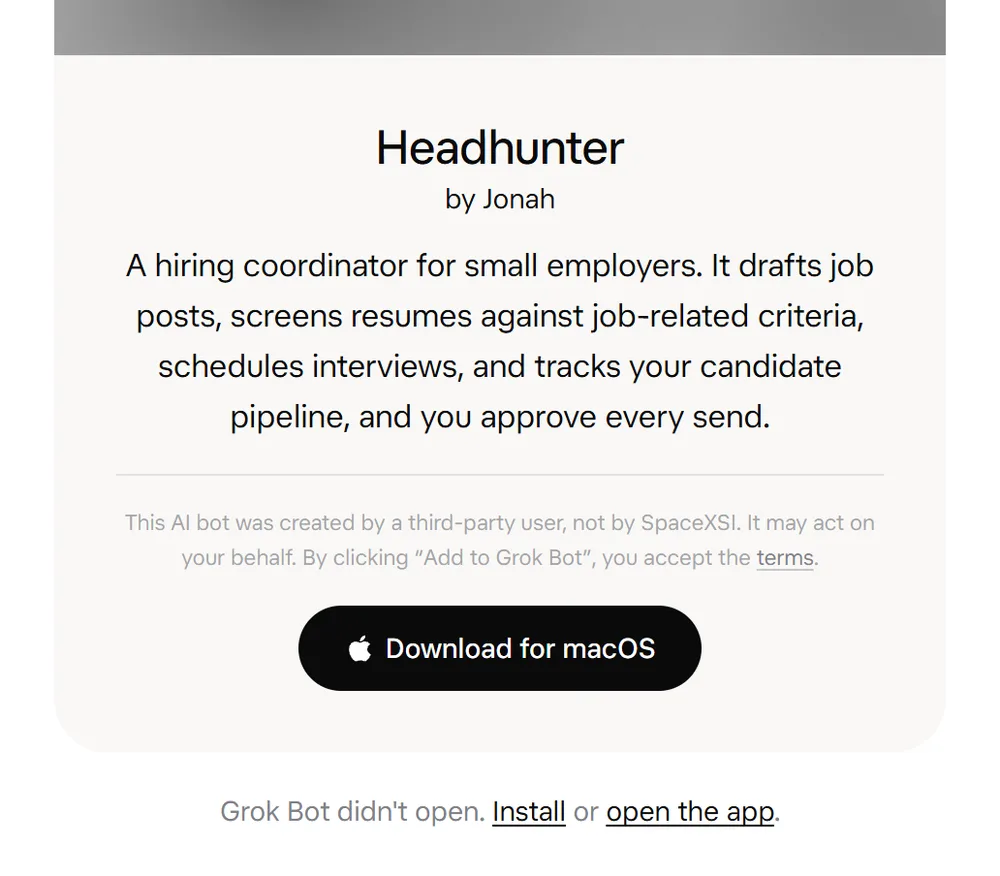
- 3In Grok Bot, review the bot's context and integrations, then click Add Bot. Connect your own accounts for any plugins it uses.
FAQ
What can a Grok Bot for X do?
These bots read posts, track accounts or draft posts on X. Every bot on this page shows real runs shared on X, so you can see the output before you add it.
Can Grok Bot use my X account?
Yes. Grok Bot signs in to your apps and websites and uses them the way you would, so a bot can work in X once you connect your own account. When you add someone else's bot, you connect your own accounts; no login carries over from the author.
Will a X bot act without asking me?
It depends on how the author set it up. Many shared bots draft work and wait for your approval before they send or change anything; check the bot's description and runs to see how it behaves.
How do I add a bot I found here?
Click Add to Grok Bot. The link opens the template in the Grok Bot app, where you review its context and integrations and click Add Bot. If it relies on plugins, your copy asks you to install them and connect your own accounts.
Is it safe to add someone else's Grok Bot?
Treat it like installing software. A bot you add can act for you through the accounts you connect, and the Grok Bot team does not verify or endorse third-party bots. Read its description, check the integrations it asks for, and look at its runs here before you add it.