 Grok Bots Market
Grok Bot for Research
Bots that dig through the web and X, then return sourced notes.
🔐 Child Safety Coach
Walks a parent through locking down a child's phone, step by step

Flip Checker
Checks a house flip's numbers before you buy

Jenny Genealogy
Sorts Ancestry hints one person at a time and fixes conflicting dates
Priority ERP Assistant
Answers questions about your Priority ERP data with ready-made reports
Headhunter
Posts roles, screens resumes and books interviews for small businesses

Shelf
Catalogs every book in your house and tells you where it is
What is a Grok Bot for Research?
A research bot searches on a topic you set, reads the sources and reports back with links.
Examples
How to add one
- 1Open a bot page below, check its runs, then click Add to Grok Bot.

- 2The bot's share page on x.ai opens the Grok Bot desktop app. No app yet? Download it for macOS or Windows from that page, then click open the app.
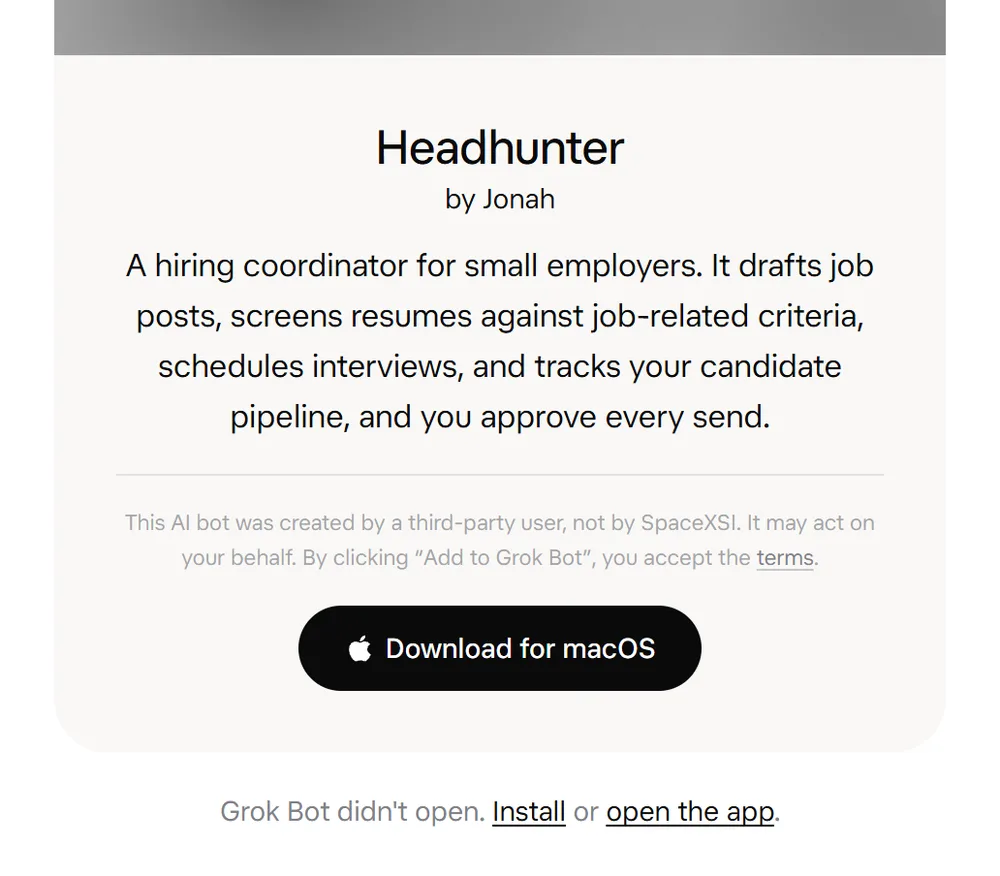
- 3In Grok Bot, review the bot's context and integrations, then click Add Bot. Connect your own accounts for any plugins it uses.
FAQ
What can a Grok Bot for Research do?
A research bot searches on a topic you set, reads the sources and reports back with links. Every bot on this page shows real runs shared on X, so you can see the output before you add it.
Is there an official Grok Bot for research?
The official Grok Bot marketplace lists Researchy by Farzad, a research and fact-check desk that cites dated sources. The bots on this page are ones people built and shared on X, each shown with screenshots or recordings of what it produced.
How do I add a bot I found here?
Click Add to Grok Bot. The link opens the template in the Grok Bot app, where you review its context and integrations and click Add Bot. If it relies on plugins, your copy asks you to install them and connect your own accounts.
Is it safe to add someone else's Grok Bot?
Treat it like installing software. A bot you add can act for you through the accounts you connect, and the Grok Bot team does not verify or endorse third-party bots. Read its description, check the integrations it asks for, and look at its runs here before you add it.
Do I need a paid plan to use these bots?
Yes. Grok Bot comes with the Premium, Super and Ultra plans, and with Teams and Enterprise. Adding a template from this site costs nothing extra; the bot's work counts toward your plan's usage.