 Grok Bots Market
Grok Bot for Content Writing
Bots that turn notes and links into articles, threads and newsletters.

Creator Post Helper
Drafts today's post in your own voice
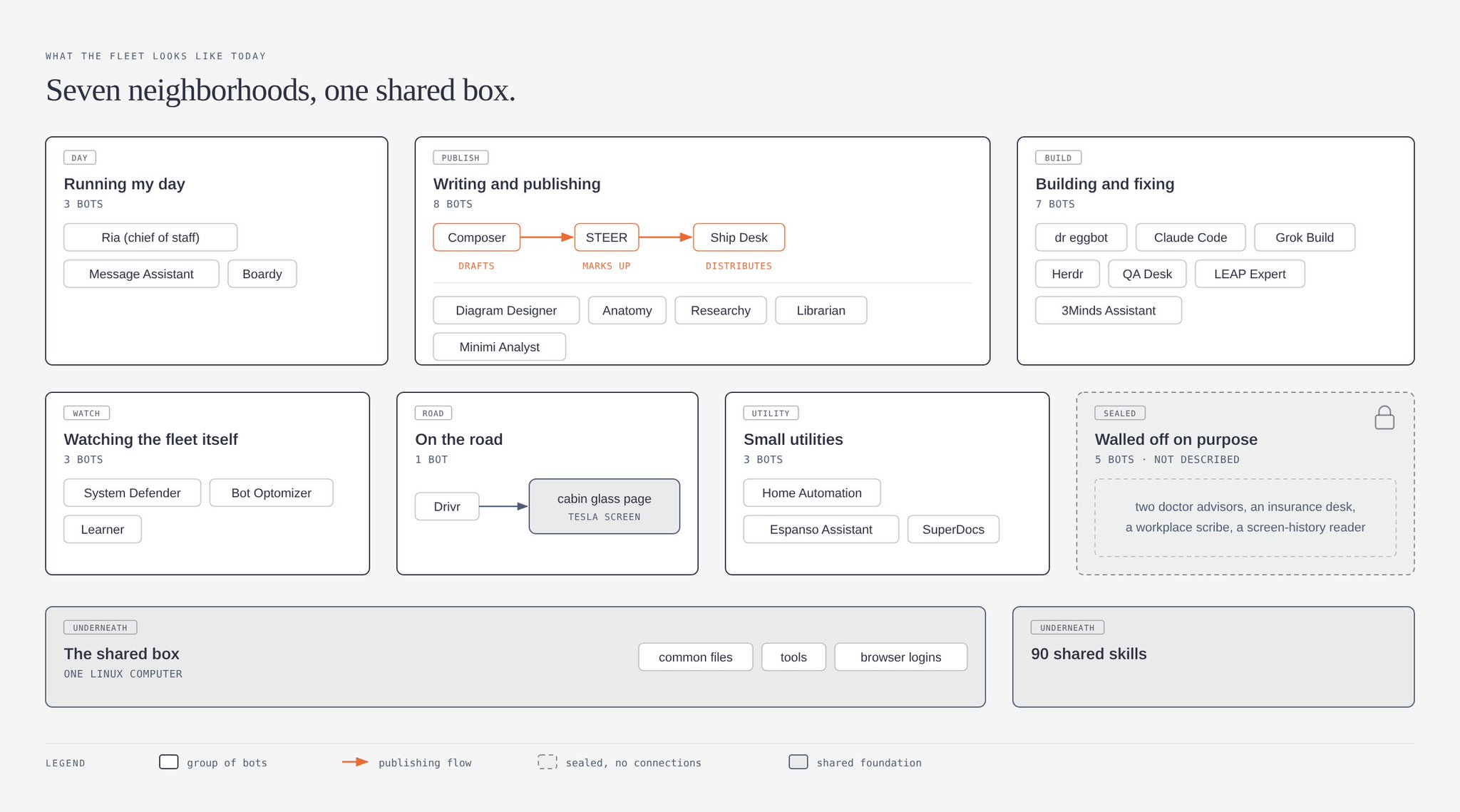
Diagram Designer
Draws clean diagrams of your systems, flows and bot fleets
ListBot — eBay Listing Generator
Turns one photo into a complete eBay listing
NicheSiteWriter
Researches and writes daily articles for your niche content site
What is a Grok Bot for Content Writing?
A content writing bot takes your inputs and produces a draft in the format you publish.
Examples
How to add one
- 1Open a bot page below, check its runs, then click Add to Grok Bot.

- 2The bot's share page on x.ai opens the Grok Bot desktop app. No app yet? Download it for macOS or Windows from that page, then click open the app.
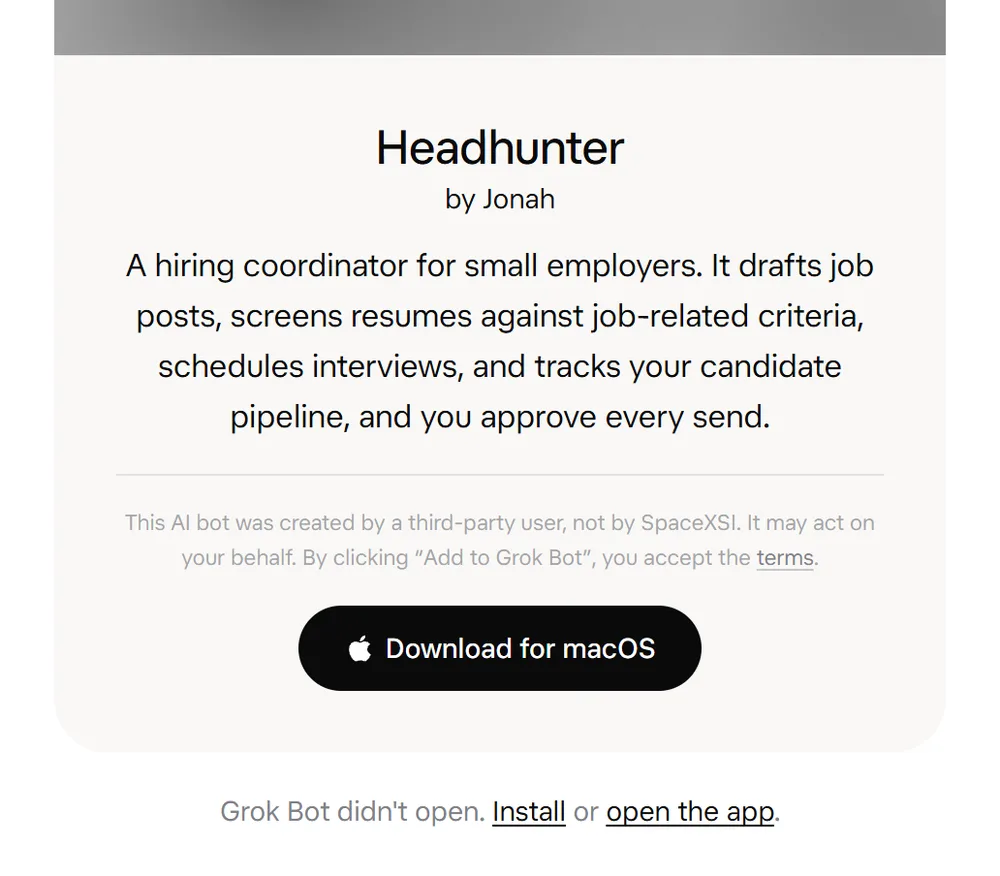
- 3In Grok Bot, review the bot's context and integrations, then click Add Bot. Connect your own accounts for any plugins it uses.
FAQ
What can a Grok Bot for Content Writing do?
A content writing bot takes your inputs and produces a draft in the format you publish. Every bot on this page shows real runs shared on X, so you can see the output before you add it.
Is there an official Grok Bot for content writing?
The official Grok Bot marketplace lists Copy Humanizer by Massimo De Luisa and SEO & AEO Desk by Adam Tanguay. The bots on this page are ones people built and shared on X, each shown with screenshots or recordings of what it produced.
How do I add a bot I found here?
Click Add to Grok Bot. The link opens the template in the Grok Bot app, where you review its context and integrations and click Add Bot. If it relies on plugins, your copy asks you to install them and connect your own accounts.
Is it safe to add someone else's Grok Bot?
Treat it like installing software. A bot you add can act for you through the accounts you connect, and the Grok Bot team does not verify or endorse third-party bots. Read its description, check the integrations it asks for, and look at its runs here before you add it.
Do I need a paid plan to use these bots?
Yes. Grok Bot comes with the Premium, Super and Ultra plans, and with Teams and Enterprise. Adding a template from this site costs nothing extra; the bot's work counts toward your plan's usage.